Author: Owner Success

  • Check In Disclosure

    Check In Disclosure

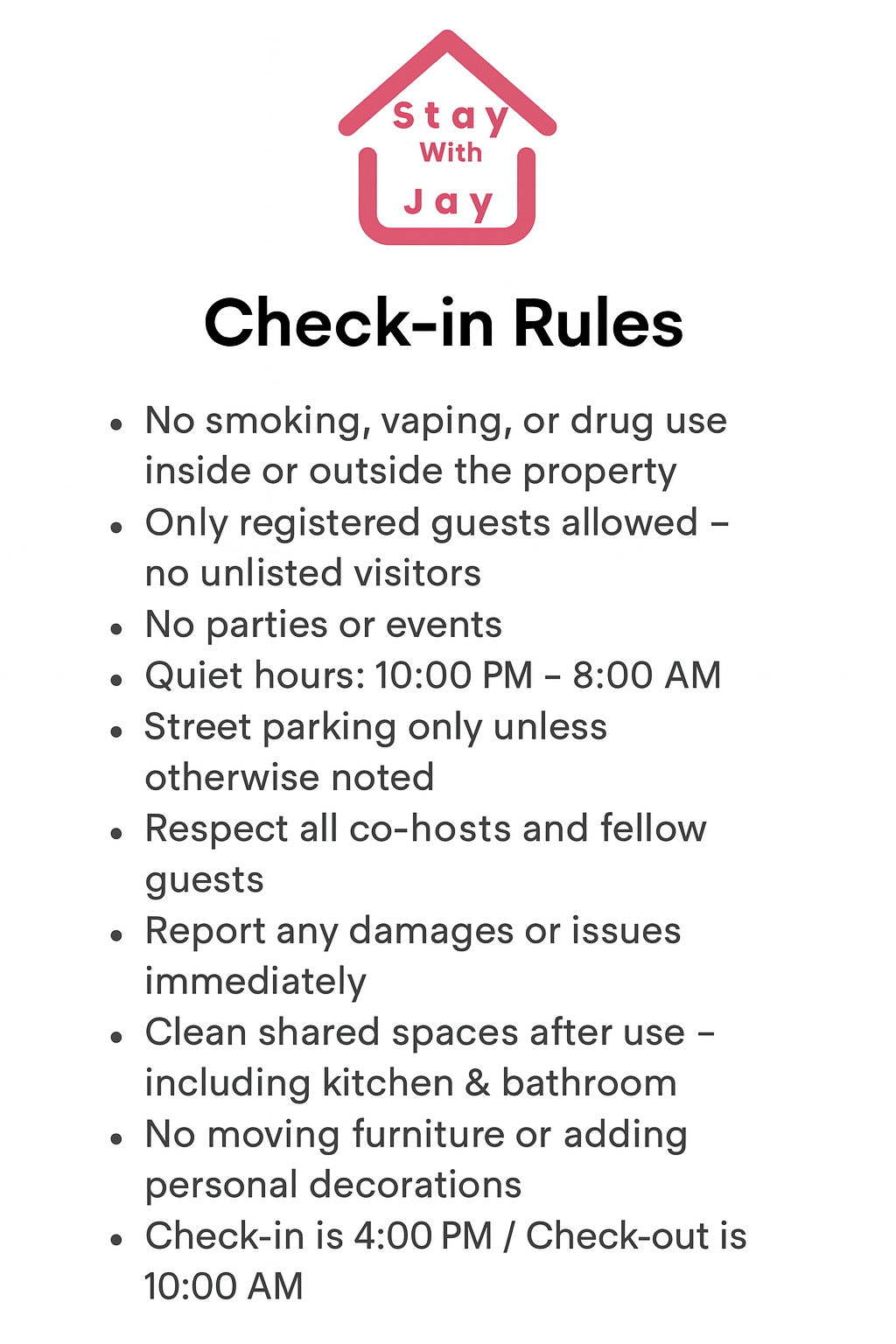
    📋 By checking in, you agree to all Stay With Jay House Rules and Policies, including but not limited to:

    • ✅ No smoking, vaping, or drug use inside or outside the property
    • ✅ Only registered guests allowed – no unlisted visitors
    • ✅ No parties or events
    • ✅ Quiet hours: 10:00 PM – 8:00 AM
    • ✅ Street parking only unless otherwise noted
    • ✅ Respect all co-hosts and fellow guests
    • ✅ Report any damages or issues immediately
    • ✅ Clean shared spaces after use – including kitchen & bathroom
    • ✅ No moving furniture or adding personal decorations
    • ✅ Check-in is 4:00 PM / Check-out is 10:00 AM

    By proceeding, you confirm that you’ve read and understood these rules and agree to follow all StayWithJay.com policies during your stay.

  • ✅ StayWithJay.com Internal Web Build Log

    ✅ StayWithJay.com Internal Web Build Log

    🔧 SWJ • WEB
    📅 Date: July 23, 2025
    🕓 Session Summary: Custom Post Types, Reviews System, Property Structuring, UI Enhancements


    1. 📬 Built and Published: “Reviews” Custom Post Type

    • Created a new custom post type labeled “Reviews” using ACF.
    • Enabled taxonomies (category), set it to public, and allowed hierarchy.
    • Enabled key post features: title, editor, featured image, excerpt, and custom fields.
    • Result: A fully functional review submission and publishing workflow via WPForms.

    📸 Screenshots:

    • Screenshot at 8.20.13 PM, 8.20.16 PM, 8.20.19 PM, 8.20.31 PM
    • First review posted for Coroa San Room with rating from Hasani — styled cleanly on frontend.

    2. 🏷️ Live Post Test: First Guest Review Published

    • Guest review titled “Safe, Spacious & Seamless — A Perfect Launchpad in Cudell”
    • Pulled content from direct guest feedback.
    • Displayed on-site with visual integrity and styled consistent with brand colors.

    📸 Screenshot:

    • Screenshot at 8.54.57 PM, 8.55.07 PM

    3. 🛠️ Custom Field Groups Created (ACF)

    Purpose: To future-proof content flexibility across property and performance systems.

    • MagicPlanDetails
      • Fields: 2D Image, 2D Link, 3D Embed
    • CallToActionLinks
      • Fields: Button link URL, customizable text
      • Configured for reuse across listing templates and property cards.

    📸 Screenshots:

    • Screenshot at 8.46.01 PM, 8.46.20 PM, 8.49.58 PM

    4. 🏘️ New Custom Post Type: “Property”

    • Created a new CPT: property
    • Structured to organize listings and content by actual physical locations (P2007, P2014, etc.)
    • Enabled menu visibility, taxonomy filters, and REST API support.
    • Attached custom fields like:
      • Owner name
      • Google Map embed
      • Property images

    📸 Screenshots:

    • Screenshot at 9.49.47 PM, 9.51.49 PM, 9.57.02 PM, 10.00.02 PM

    5. 🧾 Check-In Flow Audited and Styled

    • Custom guest check-in form with fields: phone, name, stay source, confirmation code, arrival details.
    • Background imagery customized with brand overlay color (#EC3B69)
    • Confirmed end-to-end working UI on mobile and desktop

    📸 Screenshots:

    • Screenshot at 10.01.18 PM, 10.05.34 PM, 10.12.02 PM

    6. 📍 New REST API Exposure for Custom Types

    • Enabled Show in REST API for both Reviews and Properties CPTs
    • Prepares StayWithJay for external integrations or dynamic frontend pulls.

    📸 Screenshot:

    • Screenshot at 10.18.38 PM

    7. 💬 Internal Task Logging: Checkpoint Feedback

    • Logged in portal message confirming user login and directing to check-in flow.
    • UI wording adjusted to be friendlier and brand-consistent.

    📸 Screenshot:

    • Screenshot at 10.27.24 PM, 10.27.32 PM

    ✅ Outcomes

    You now have:

    • A custom review engine publishing live to the site
    • A property-centric post type structure to grow with your listings
    • Smart, reusable ACF field blocks for buttons, maps, floor plans
    • A check-in system that is clean, mobile-friendly, and styled for guests


  • 📄 Title: Creating the “Reviews” Custom Post Type

    📄 Title: Creating the “Reviews” Custom Post Type

    Yes — that is absolutely a fair ask.

    ✅ Standard Operating Procedure (SOP)

    📄 Title: Creating the “Reviews” Custom Post Type

    System: WordPress (staywithjay.com)
    Plugin Used: ACF (Advanced Custom Fields) Post Types


    🧩 Purpose:

    To create a dedicated Custom Post Type (CPT) called “Reviews” that will allow StayWithJay to collect, manage, and display guest reviews independently from standard blog posts or pages. This structure supports long-term scalability, organization by category, and connection to specific listings or guest types.


    🛠️ Actions Taken:

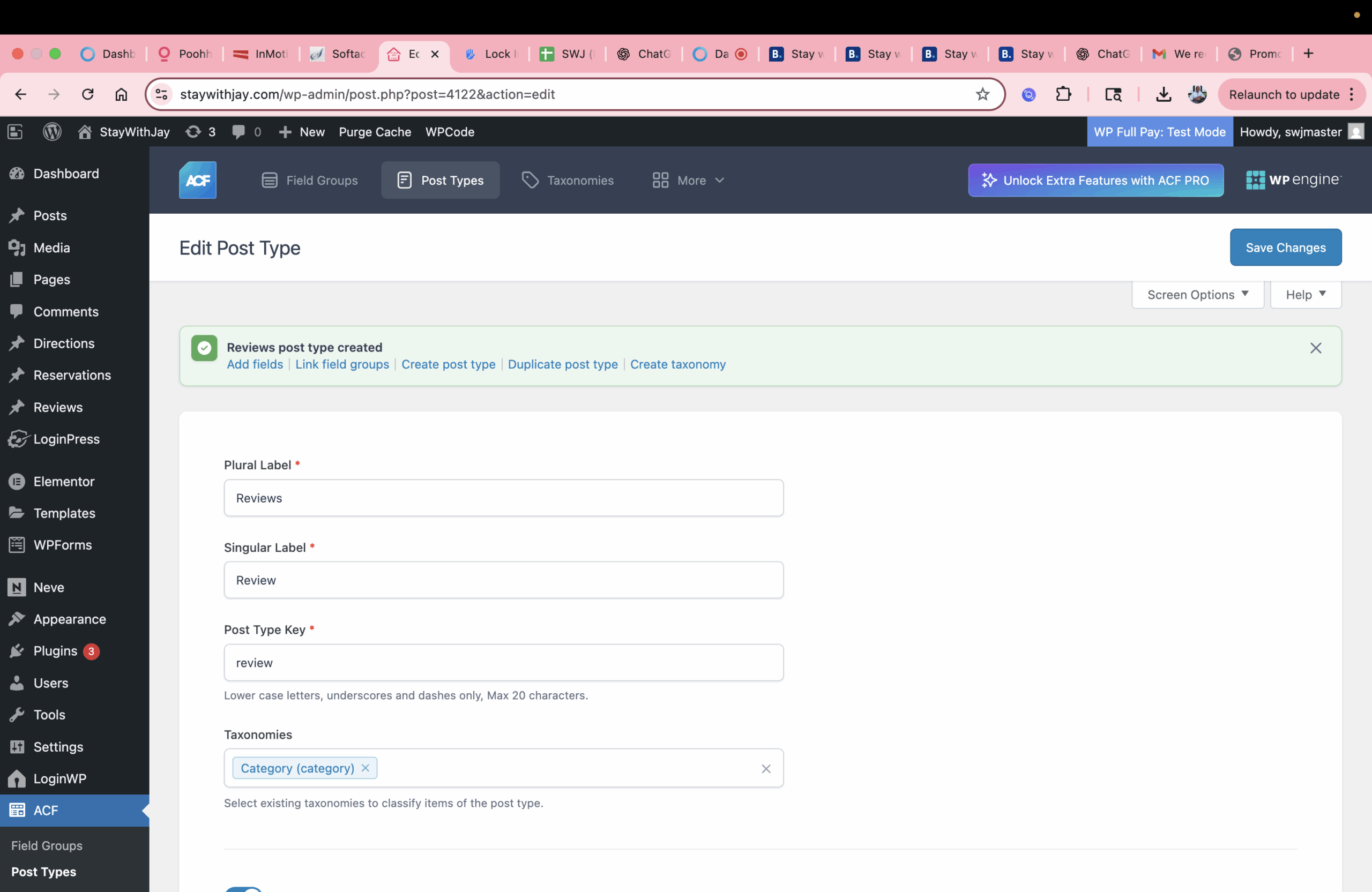
    1. Navigated to ACF → Post Types

    Inside the WordPress dashboard, under the ACF plugin, the Post Types module was used to create a new custom post type.


    2. Configured Basic Settings

    • Plural Label: Reviews
    • Singular Label: Review
    • Post Type Key: review
    • (Note: This key must be lowercase, with no spaces or special characters)

    3. Assigned Taxonomy

    • Category (category):
      • The default WordPress taxonomy was linked to this post type.
      • This allows Reviews to be grouped and filtered by category (e.g., by listing, guest type, or theme).

    4. Set Visibility Options

    • ✅ Public: Enabled (makes reviews visible in both the admin dashboard and on the site frontend)
    • ✅ Hierarchical: Enabled (allows parent-child relationships like pages — useful for grouping related reviews)

    5. Enabled Core Features for Content Creation

    Within the “Advanced Settings” tab, under “Supports,” the following features were enabled:

    • ✅ Title
    • ✅ Editor (main content body)
    • ✅ Featured Image
    • ✅ Excerpt
    • ✅ Custom Fields (for star ratings, dates, property codes, etc.)
    • ✅ Post Formats
    • ❌ Comments
    • ❌ Revisions
    • ❌ Trackbacks
    • ❌ Page Attributes

    These settings ensure each Review post is fully customizable and consistent in formatting.


    6. Final Status

    • Post Type Status: Set to Active
    • A confirmation appeared:

      “✅ Reviews post type created”

    At this point, the new post type is officially live and can be accessed in the admin menu under “Reviews”.


    ✅ Result:

    The “Reviews” post type now functions as a dedicated content system for managing guest feedback. It supports rich formatting, categorization, and custom field structuring — all within the WordPress ecosystem.


    🗂️ Next Steps (Optional Enhancements):

    • Add custom fields for:
      • Star rating
      • Guest name
      • Stay dates
      • Linked listing
    • Create a review submission form (via ACF Frontend, WPForms, or Elementor)
    • Design a frontend display template (via theme builder or shortcode block)