Tag: Automação

  • Solving for Labor: The Hidden Crisis in Short-Term Rentals

    Solving for Labor: The Hidden Crisis in Short-Term Rentals


    Solving for Labor: The Hidden Crisis in Short-Term Rentals

    This is a thought piece.

    Not a solution. Not a pitch. Just a perspective from the field.

    Short-term rental owners, operators, and small business owners alike are operating in a more precarious environment than ever before. At the center of it all is one problem that doesn’t get enough attention:

    Labor.

    Not just finding it—but structuring it, affording it, training it, and sustaining it.


    The Real Problem Isn’t Technology—It’s Human Execution

    There are tools for everything today.

    • Pricing optimization? Covered.
    • Calendar syncing? Covered.
    • Messaging automation? Covered.
    • Cleaning services? Everywhere.

    And yet—operations still break.

    Why?

    Because the success of a short-term rental doesn’t live in the software. It lives in the execution of dozens of human-dependent actions, all happening in sequence, often under time pressure.


    20x–50x More Complex Than You Think

    Operating a short-term rental portfolio is not comparable to long-term rentals.

    It’s not even comparable to hostels.

    From firsthand experience operating dozens of units across Cleveland, with developments underway in Brazil, the difference is staggering.

    The skill stack required to successfully operate a short-term rental business is easily 20x to 50x more complex than that of a traditional long-term rental.

    Think about what has to go right for a single 5-star stay:

    • Seamless booking and communication
    • Accurate calendar and pricing alignment
    • Flawless cleaning and staging
    • Functional maintenance and utilities
    • Smooth, intuitive check-in
    • Guest support during the stay
    • A consistent, high-quality checkout experience

    And then… a review. A referral. A repeat guest.

    How many skills does that actually require?

    More than most operators are willing to admit.


    When Labor Breaks, Someone Pays

    Here’s the uncomfortable truth:

    When operations are inefficient, someone absorbs the cost.

    And it usually shows up in one of three places:

    1. The Owner/Operator
    Overworked. Overextended. Doing too much. Covering gaps that shouldn’t exist.

    2. The Guest
    Paying cleaning fees… and still being asked to:

    • Take out trash
    • Start laundry
    • Strip beds
    • Complete checkout “lists”

    At some point, the guest stops feeling like a guest—and starts feeling like unpaid labor.

    3. Vendors & Partners
    Underpaid, undertrained, or mismanaged—leading to inconsistency, churn, and operational fragility.

    These are not value-added inefficiencies.
    They are misplaced responsibilities.


    The Industry Gap No One Is Solving

    There are plenty of companies that solve parts of the problem:

    • Cleaning companies
    • Property management software
    • Revenue management tools
    • CRM integrations

    But there is no true end-to-end solution that connects all operational dots—especially when it comes to labor.

    Let’s be clear:

    This is not a pitch for a “one company solves everything” model.

    It’s an acknowledgment that the fragmentation itself creates inefficiency, and labor is where that inefficiency shows up the most.


    The StayWithJay Approach

    At StayWithJay, we’re not pretending to have solved labor.

    We’re in the same market. Facing the same constraints.

    But we are intentional about one thing:

    We do not pass inefficiencies downstream.

    Not to our guests.
    Not to our vendors.
    Not to the community.

    So how do we approach it?

    • Relentless iteration — learning every day
    • Intentional design — of spaces, systems, and workflows
    • Clear task ownership — assigning responsibility where it belongs
    • Selective automation — using tech where it helps, not where it replaces accountability

    And while labor is still difficult to find, train, and retain…

    The results speak:

    • Strong revenue per square foot
    • High cleaning scores
    • Consistent 5-star delivery
    • Repeat guest patterns

    Something is working.


    The Real Challenge

    This isn’t about finding cheaper labor.

    It’s about understanding:

    What are all the skills required to deliver a truly great stay—and are you assigning them correctly?

    If not, the system will correct itself.

    Through burnout.
    Through bad reviews.
    Through churn.


    High Frequency STR Operators

    If you’re HFSTR™️ operator, here’s the challenge:

    Take a step back and map every single action required for:

    • A successful check-in
    • A 5-star stay
    • A seamless checkout
    • A referral

    Then ask yourself:

    Where are inefficiencies being hidden—and who is actually paying for them?

    Because someone always is.


    — StayWithJay
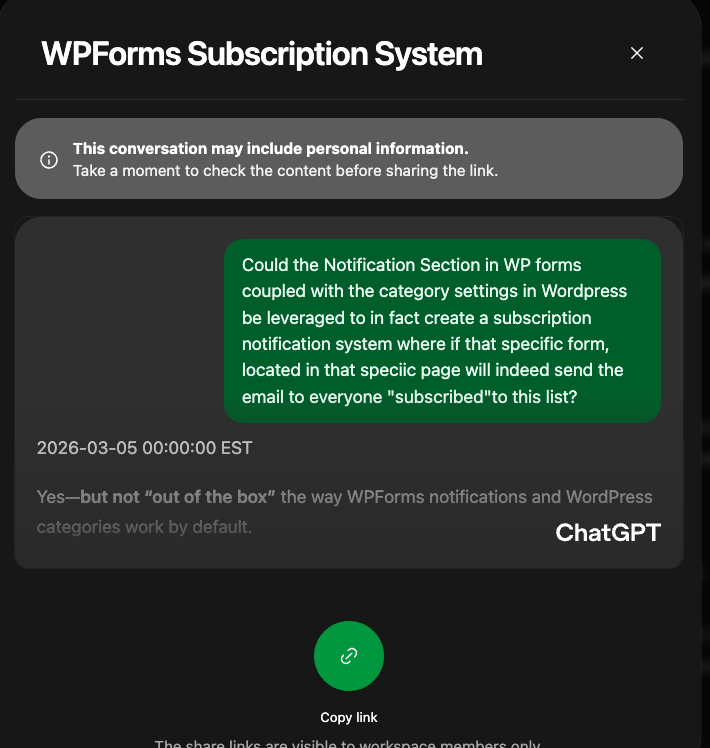

  • Could the Notification Section in WP forms coupled with the category settings in WordPress be leveraged to in fact create a subscription notification system where if that specific form, located in that speciic page will indeed send the email to everyone “subscribed”to this list?

    Could the Notification Section in WP forms coupled with the category settings in WordPress be leveraged to in fact create a subscription notification system where if that specific form, located in that speciic page will indeed send the email to everyone “subscribed”to this list?

    GPT Answer:

    2026-03-05 00:00:00 EST

    Yes—but not “out of the box” the way WPForms notifications and WordPress categories work by default.

    What WPForms notifications can do

    • Send emails to fixed recipients (one or many, comma-separated).
    • Send emails to a recipient captured in the form (e.g., “Email” field).
    • Use Conditional Logic to choose which notification fires (based on form fields, hidden fields, page URL, etc.).

    Where it breaks for a “subscriber list”

    A true subscription system needs:

    1. A place to store subscriber emails (a list/database/CRM).
    2. A way to fetch that list at send time and email them (or better: hand off to an email service).

    WPForms Notifications doesn’t natively maintain or target a growing list of subscribers and then blast an email to all of them when a form on a specific page is submitted.

    About “category settings” in WordPress

    • Posts have categories by default.
    • Pages usually don’t (unless you added categories to pages via a plugin/custom code).
    • Even when pages have categories, WordPress categories don’t automatically map to “email lists” unless something custom links them.

    The viable ways this can be leveraged

    1. WPForms + an email marketing integration (recommended architecture)
      • Form submission adds/removes people from a list/segment.
      • A later event (another form submit, a publish action, automation trigger) sends to that segment.
      • This is what Mailchimp / Brevo / ConvertKit / MailerLite, etc. are designed for.
    2. WPForms + custom code to build recipients dynamically
      • Store subscribers in WordPress (user meta, custom table, CPT).
      • On submission of that specific form/page, code looks up “subscribers for that category/list” and injects them as recipients.
      • This is feasible, but it’s custom development and can hit deliverability/volume limits fast.
    3. Use categories for “who gets notified” but not via WPForms Notifications
      • Category-driven subscription is more naturally handled by “new post in category → notify subscribers” plugins/workflows.
      • WPForms then only handles subscribing/unsubscribing.

    Key caution

    If “everyone subscribed” is more than a small handful, using WPForms/WordPress to directly send bulk email often causes deliverability problems (spam, rate limits, host restrictions). A dedicated email service avoids that.

    If you tell me whether your “category” is post category or page category (custom) and roughly how many subscribers you expect, I can tell you which of the three paths above actually fits the behavior you want.

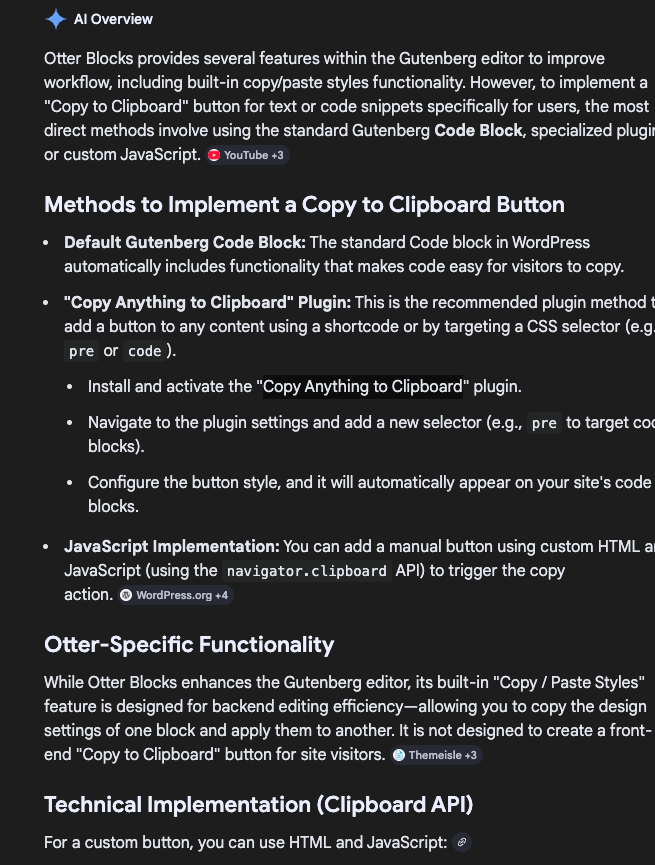
  • Implementing Copy Anything to Clipboard

    Implementing Copy Anything to Clipboard

    What is the name of this copy to clipboard function


    Answer


    Resource Links:

    https://www.google.com/search?q=otter+blocks+to+implement+the+copy+to+clipboard+button&sca_esv=ce1d9c6da6b8c5e1&sxsrf=ANbL-n4cv-LkADKRNdV-Ou6dj3T_D9mmwA%3A1772713074037&ei=cnSpaY_4AaKaptQPvdHIgQk&biw=1920&bih=992&oq=otter+blocks+to+implement+the+copy+to+clip&gs_lp=Egxnd3Mtd2l6LXNlcnAiKm90dGVyIGJsb2NrcyB0byBpbXBsZW1lbnQgdGhlIGNvcHkgdG8gY2xpcCoCCAAyBRAhGKABMgUQIRigATIFECEYoAEyBRAhGKABMgUQIRigATIFECEYqwIyBRAhGKsCMgUQIRifBUjmrgFQh0BY54oBcAl4AZABAZgBZKAB4iKqAQQ1OC4xuAEByAEA-AEBmAJAoAKKIsICChAAGLADGNYEGEfCAgQQIxgnwgIFEAAY7wXCAggQABiABBiiBMICBhAAGBYYHsICCxAAGIAEGIYDGIoFwgIFEAAYgATCAgsQABiABBiRAhiKBcICBxAhGKABGAqYAwCIBgGQBgiSBwQ2My4xoAf83gKyBwQ1NC4xuAfvIcIHBjkuNDcuOMgHfIAIAA&sclient=gws-wiz-serp


  • Replicating Pages into properties

    Replicating Pages into properties


    Here we are updating a property private room and adding tags as a method of organizing it